
A working workspace
Organize work around roles, tasks and evidence.
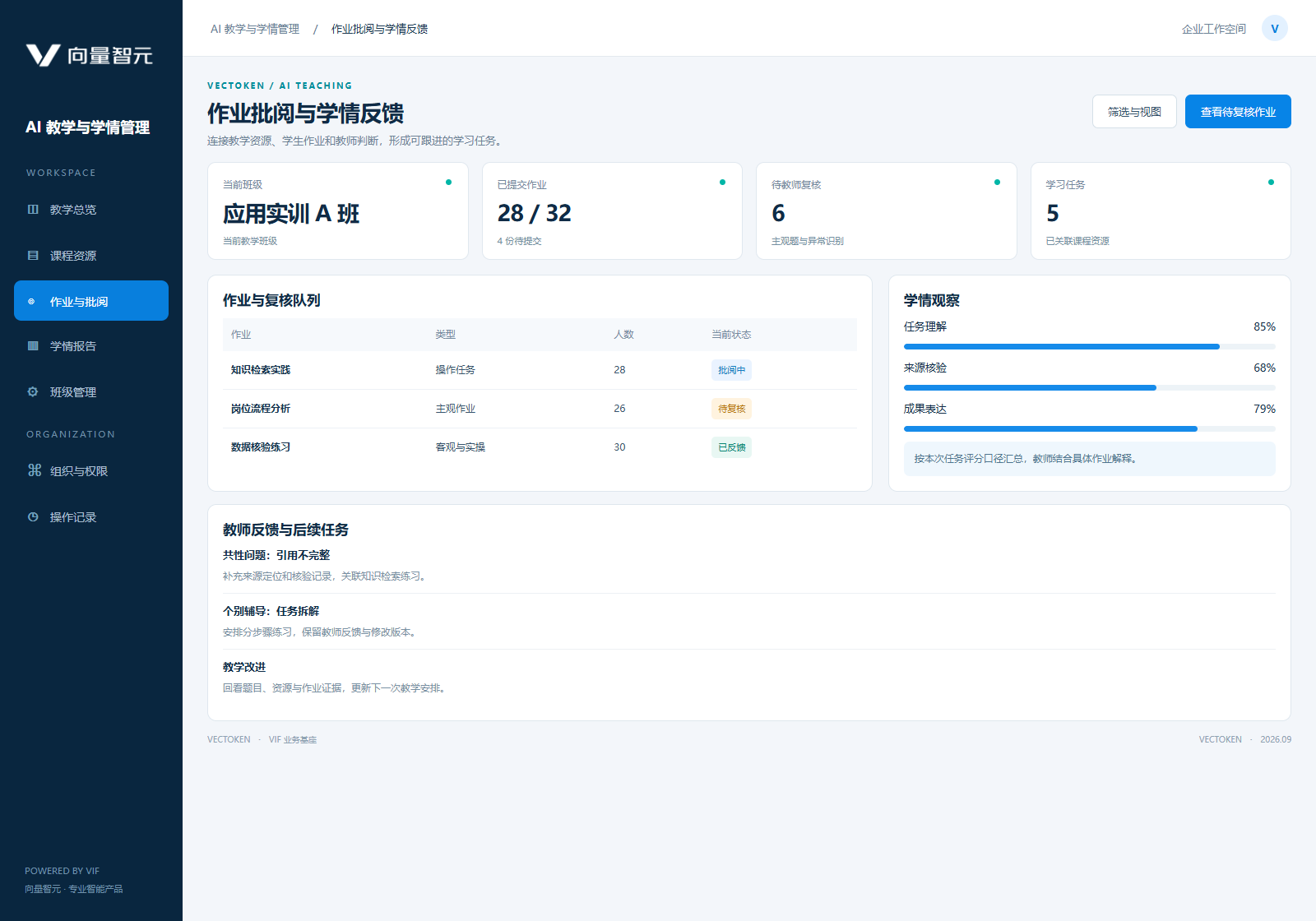
Organize teaching resources, marking, teacher reports and student feedback in a continuously managed teaching workspace.
Vocational colleges and training institutions, teachers, curriculum teams and teaching managers, with IT and resource owners.
Parse materials and assignments
Organize questions and resources
Mark objective questions
Produce teacher reports
Track learning tasks
Improve teaching
A teaching workspace, resource and question banks, marking and reporting, learning dashboards, course configuration and teacher training.
Organize work around roles, tasks and evidence.
Configure courses, question types, scoring rules, class permissions and reports; distinguish printed and handwritten recognition; connect teaching systems.
User training, monitoring, version management and feedback are included in delivery planning.
Textbook and assignment parsing, objective-question marking, teacher reports and learning feedback form a teaching workflow.
Source: Vectoken Product Casebook 2026, pp. 16. Metrics retain their original case scope; outcomes depend on implementation conditions.
Configure courses, question types, scoring rules, class permissions and reports; distinguish printed and handwritten recognition; connect teaching systems.
Before activation, check agreed quality, permissions, operation and recovery. After launch, user feedback and expert review inform evaluated, approved releases.
Accept against real tasks, train users and hand over operations.
Keep evidence, human confirmation and corrections, and monitor outcomes.
Retain evaluation, change and rollback records for knowledge, model or configuration updates.
Research and validate your workflows, data and goals together, using existing products and VIF to develop the next capability.
Tell us the goal and current conditions to identify product fit, scope and delivery.